

Assign Items & Responsibility
Learn how to assign items and define responsibility levels for clear delegation in Spatium.
Clarity, focus, and collaboration with a single click
One of the biggest challenges when working in a team is knowing who's doing what, and by when.
At Spatium, we set out to solve that problem at its core: by allowing any element — whether it's a goal, action plan, program, or chart — to be assigned to one or more specific members of your organization.
This helps coordinate responsibilities for anything you want to move forward with.
How to assign an item
Assigning is quick and easy. Just follow these basic steps:
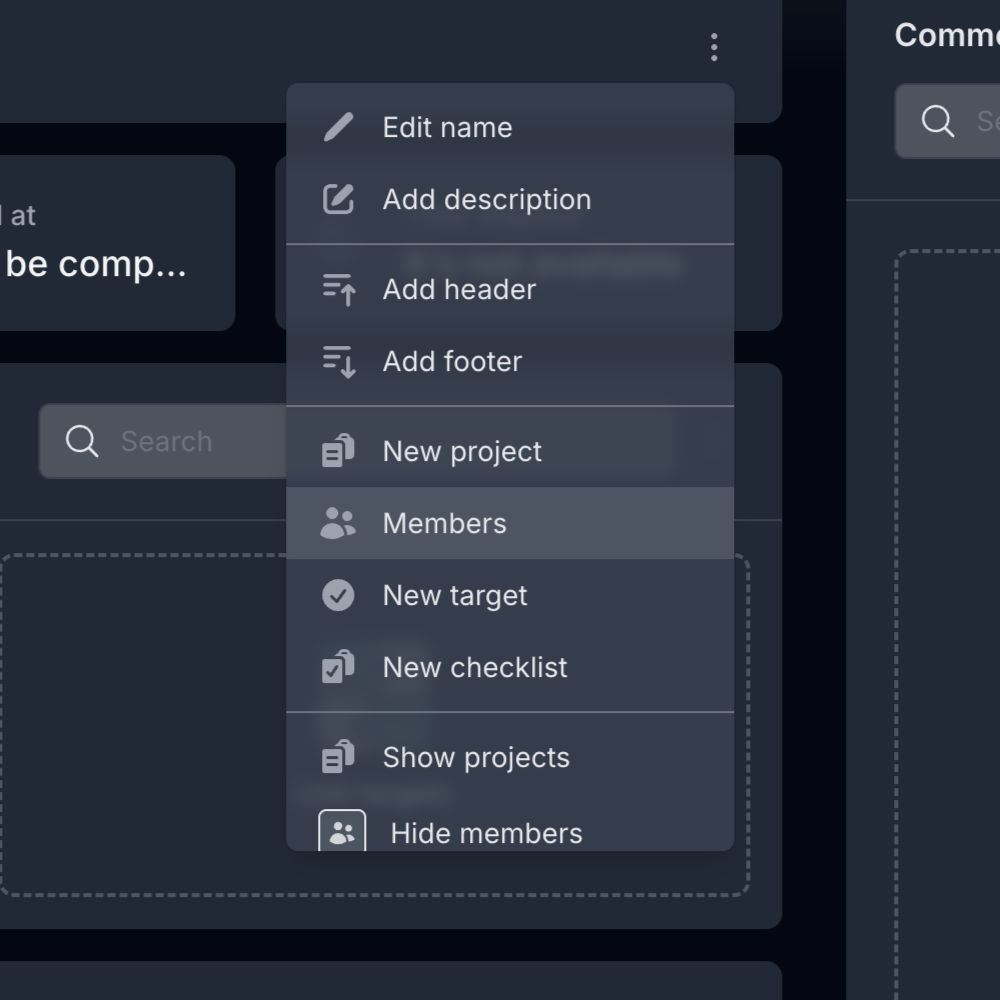
- On almost any element, click the three vertical dots and select "Members".
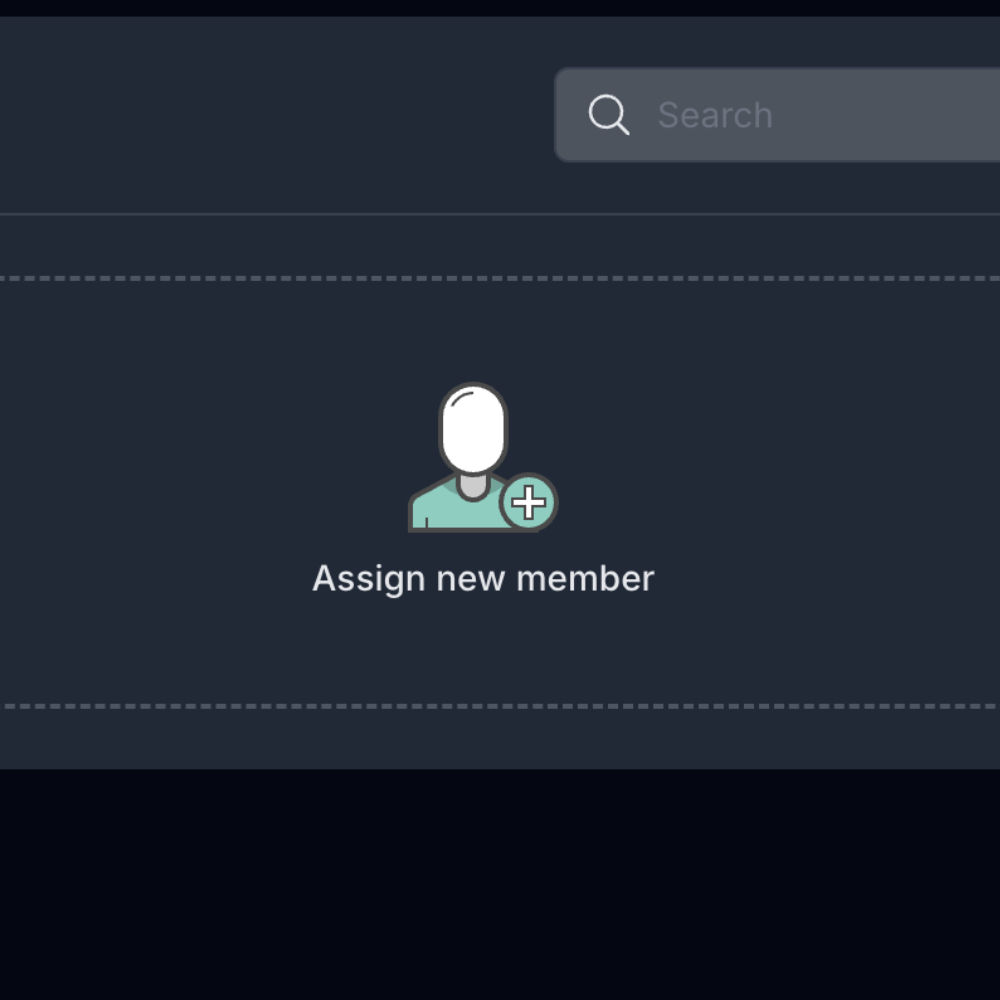
 You can also click the "Assign new member" icon:
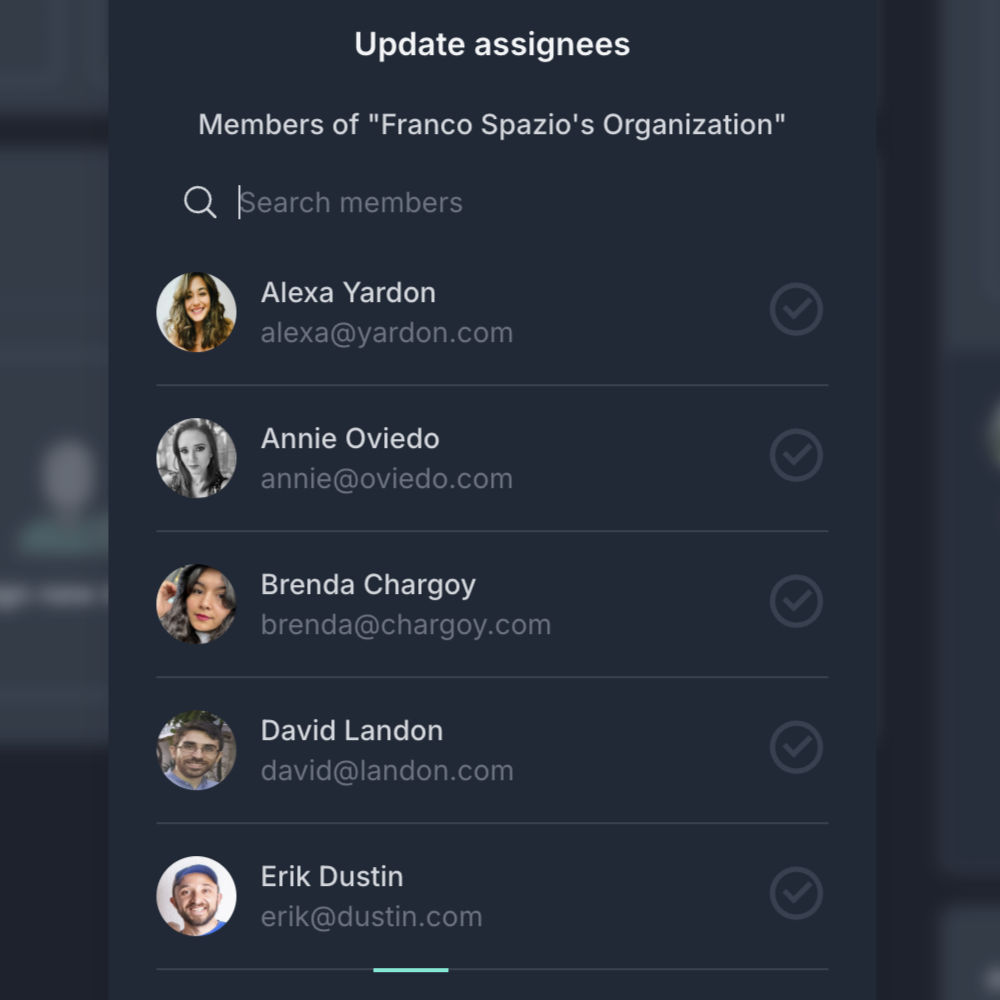
- Select the members of your organization you want to assign:
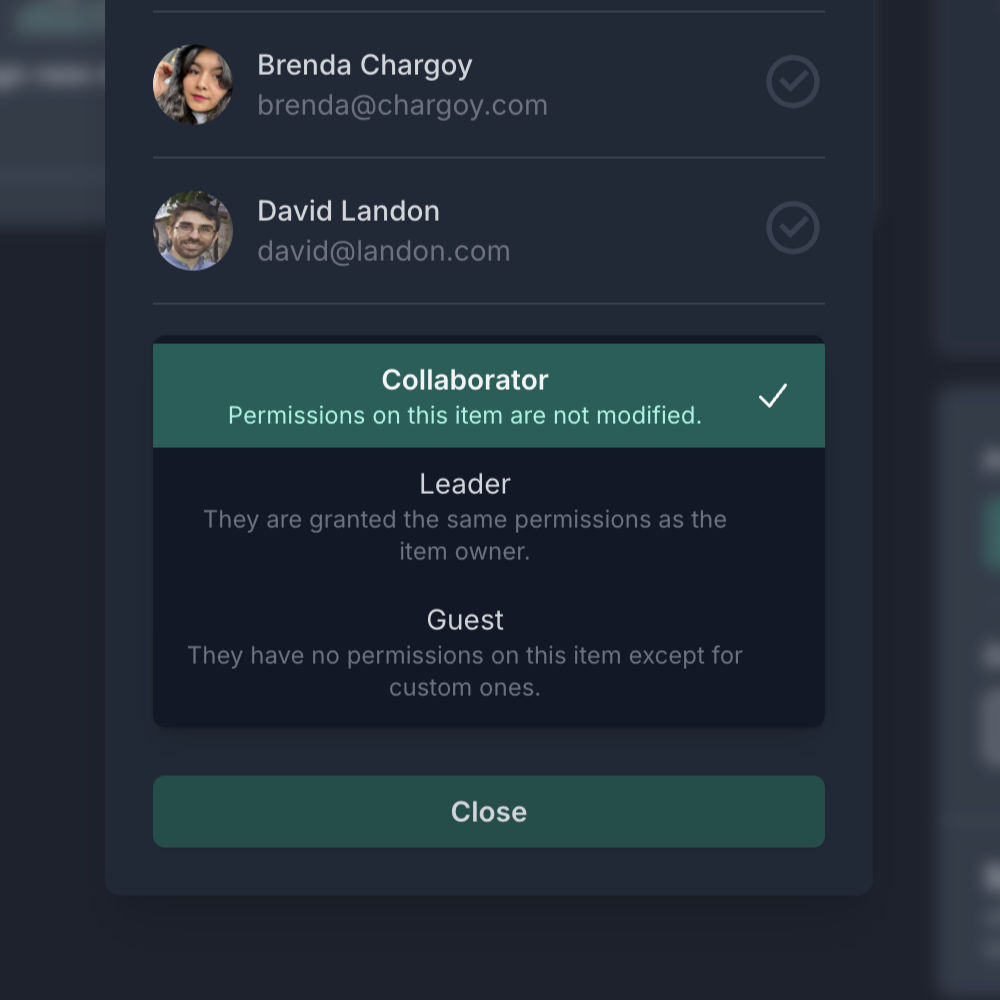
- You can also choose the level of responsibility you want:
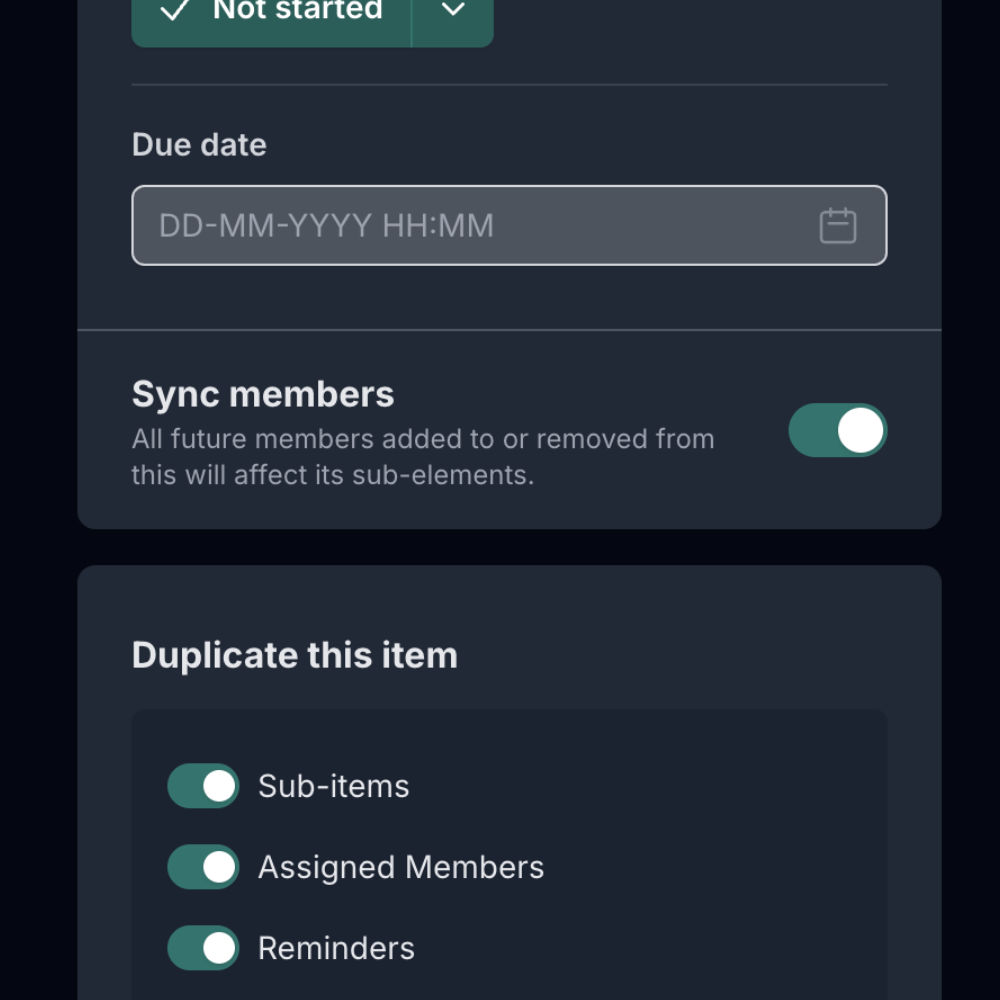
- Remember that if you have "Sync members" enabled, all members assigned to this item will also be assigned to all of its sub-items:
Responsibility levels
There are three responsibility levels:
- Leader: Has the same permissions as the owner of the item.
- Collaborator: Has basic permissions and is the most commonly used.
- Guest: Has minimal permissions but can be given access as needed.
The key is clear delegation
Spatium is designed to help you avoid confusion, unnecessary meetings, and chaotic follow-up. When everyone knows what they're responsible for, how to do it, and where to manage it, your team works better — more aligned and with less friction.