

TutorialsItem-Specific Chats
Item-Specific Chats
Learn how dedicated, item-specific chats keep your team's communication focused and contextual.
A clear conversation for every important thing
In work teams, it's common for topics to get mixed up in long, confusing, or poorly organized conversations. We believe that every goal, plan, program, or project deserves its own communication space.
That's why we created dedicated, item-specific chats: a simple and effective way to talk only about what matters in that context, without creating new groups or losing track of the conversation.
Why use item-specific chats?
- Real-time: Every message is sent and received instantly, enabling active communication.
- Focused: Each chat is linked to a single goal, plan, program, chart, etc.
- Contextual: Everything discussed is directly related to what you're working on.
- No noise: No more digging through endless messaging threads.
- No group chaos: No need to create new groups for every topic.
How do they work?
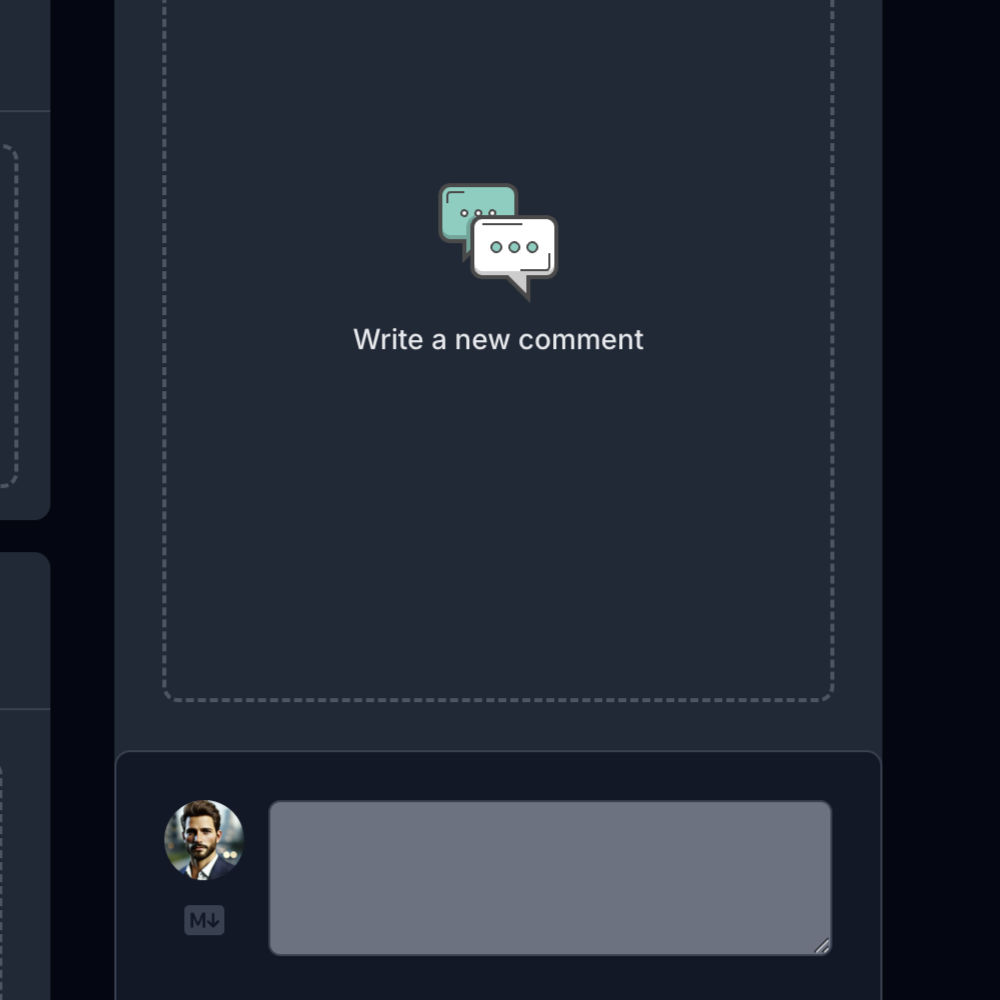
- In any item (goal, plan, program, etc.), look for the chat section
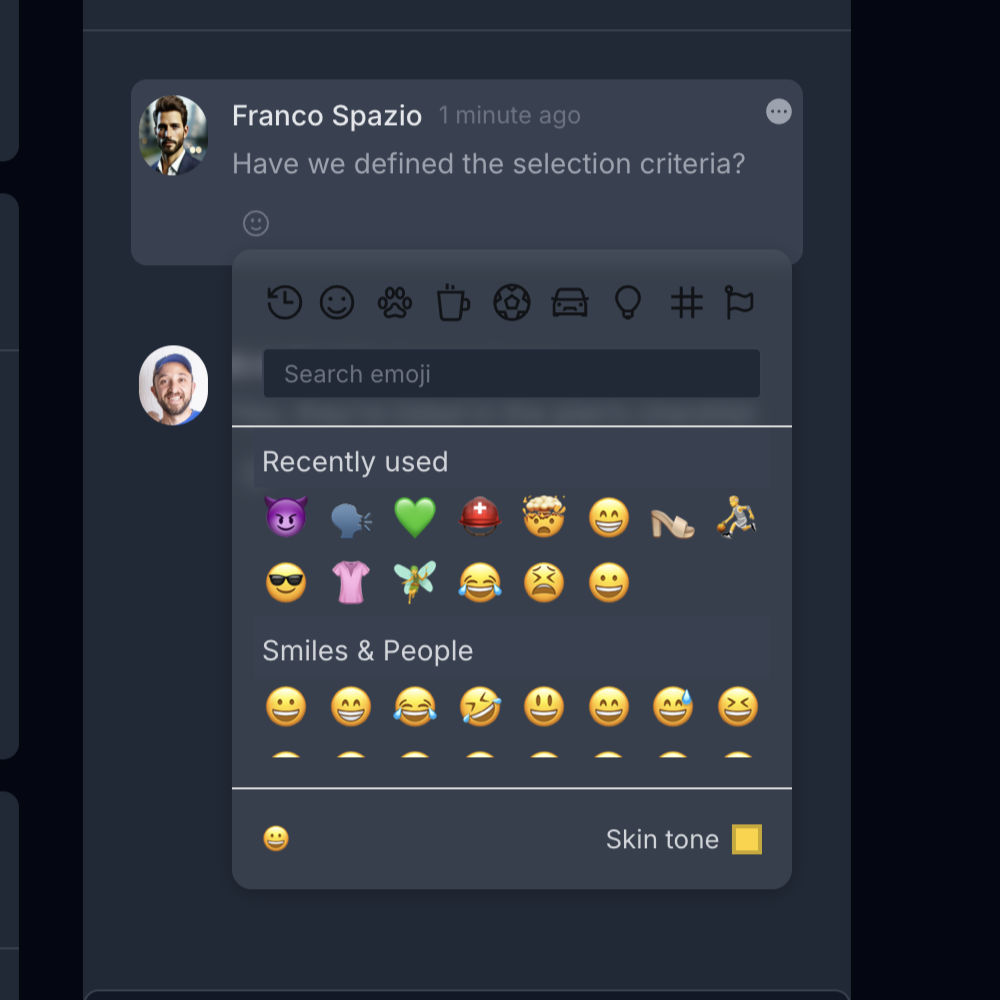
- React with emojis to respond without interrupting the conversation
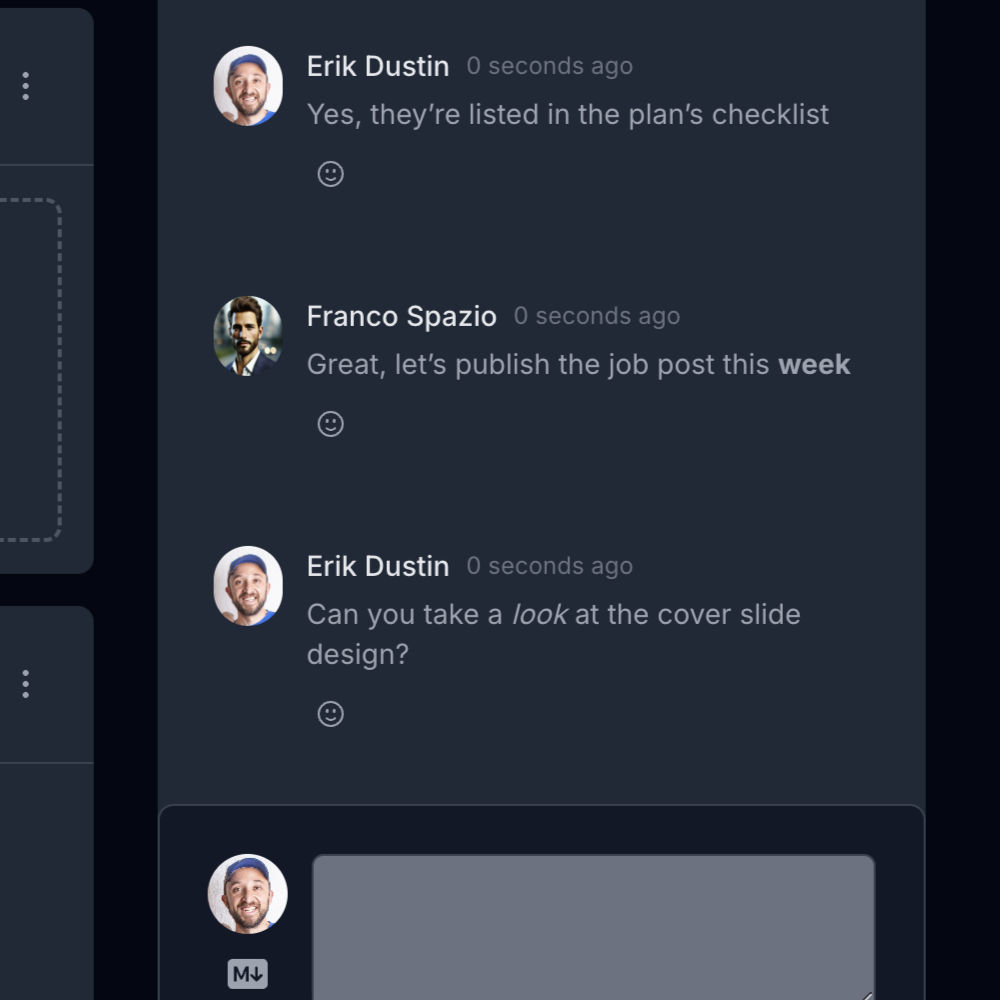
- Use Markdown to format your messages
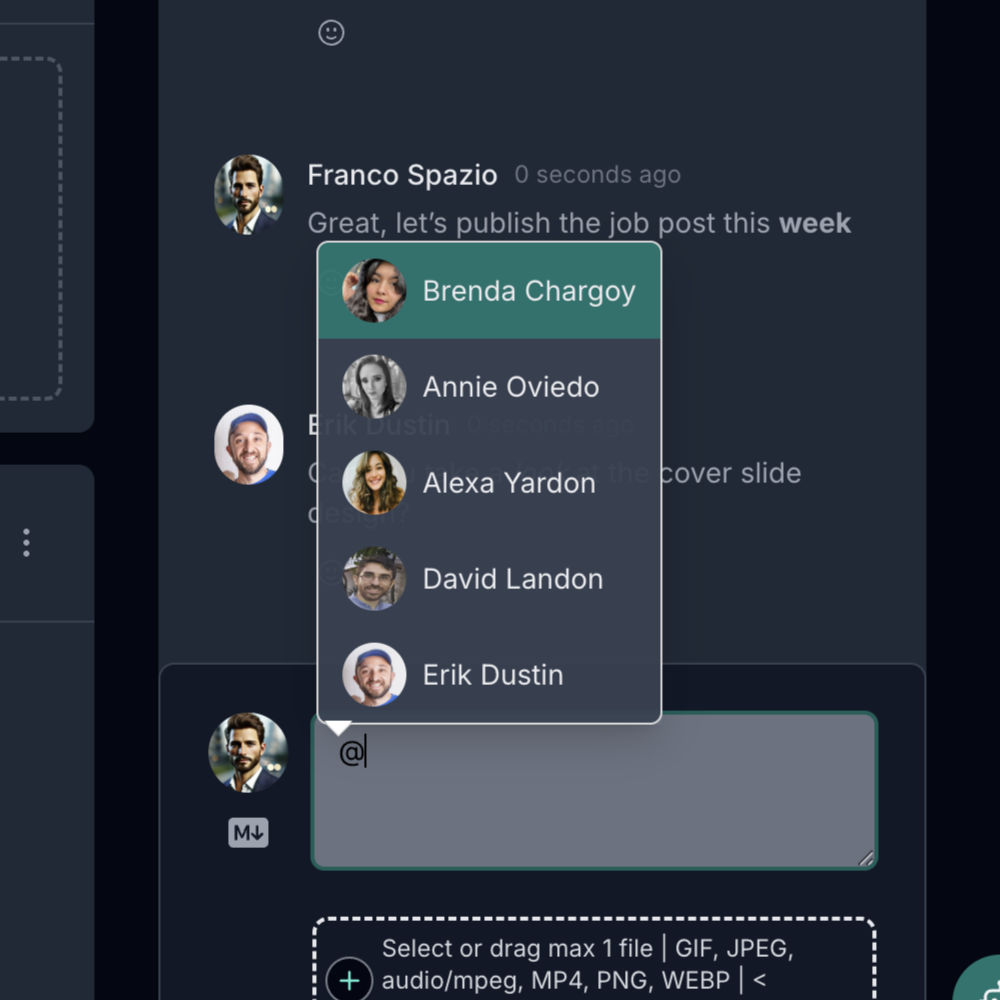
- You can even mention anyone assigned to that item
Purposeful conversations
Item-specific chats don't replace your general communication channels. They complement them, helping you keep each topic in its place, with more clarity and better structure for everyone.